
Anker 4-port USB 3.0 high speed hub for laptops, a black USB splitter converter with 20 cm data line and compact 30x107 mm dimensions, providing multiple USB 3.0 ports from a single connection.


Anker 4-port USB 3.0 high speed hub for laptops, a black USB splitter converter with 20 cm data line and compact 30x107 mm dimensions, providing multiple USB 3.0 ports from a single connection.
Anker 4-Port USB 3.0 Hub: A Compact Splitter for Laptop Connectivity

The Anker 4-Port USB 3.0 Hub addresses a fundamental need in modern computing: expanding limited physical connectivity. Many contemporary laptops and ultrabooks sacrifice port variety for slim designs, often featuring only one or two USB ports. This hub provides an immediate remedy, converting a single USB 3.0 port on your host device into four accessible ports. It is designed for users who need to connect several peripherals—such as a wireless mouse dongle, an external keyboard, a portable hard drive, and a USB flash drive—concurrently without swapping cables. The hub's stated support for the USB 3.0 standard ensures that connected devices capable of high-speed data transfer can operate at their potential, making it suitable for file transfers between drives or backing up data. Its practical application extends from cluttered home offices to professional presentations where multiple USB devices are required.
Features and Construction
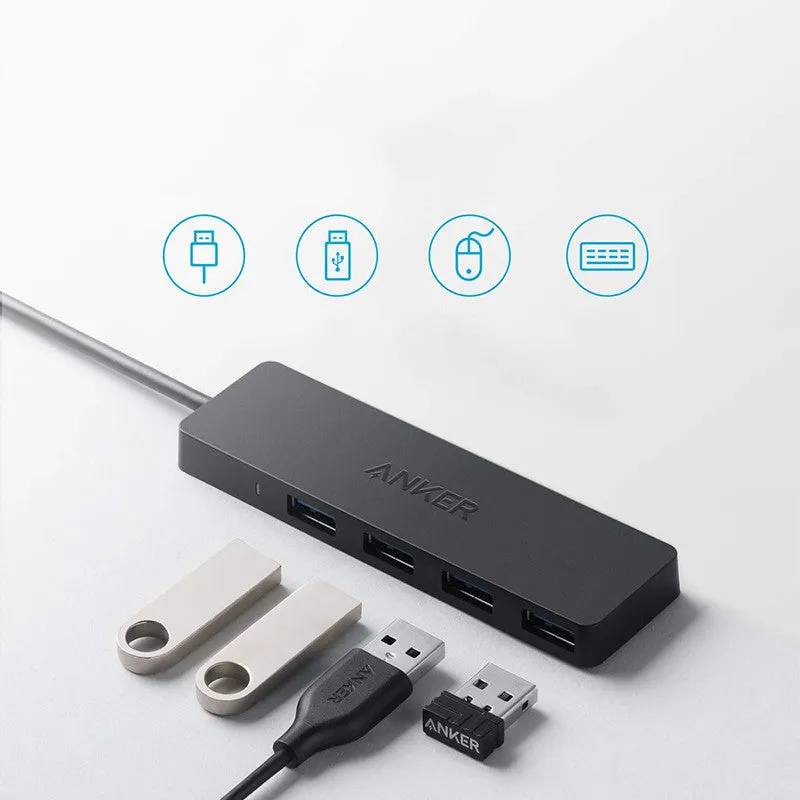
This section details the physical attributes and functional design of the Anker USB hub as derived from the provided specifications. The information focuses on the tangible elements that define its form and primary use case.
Material and Build
The source text specifies the product's colour as black and identifies it as an Anker 4-port USB 3.0 high speed splitter. While the exact materials are not listed, the product's category and typical construction suggest a primary plastic housing. This material choice contributes to the hub's light weight and helps keep production costs manageable. The build centres around providing four USB 3.0 Type-A female ports on one face of the unit, which is the standard interface for most common peripherals like mice, keyboards, and thumb drives. The integrated data cable is fixed to the hub, eliminating the risk of losing a separate connection wire.
Size and Practical Fit
The hub's dimensions are precisely given as 30x107 mm, a notably compact form factor. This size allows it to occupy minimal space on a desk or to be easily slipped into a laptop bag or sleeve for travel. The 200 mm length of the attached data cable offers a practical amount of slack, enabling you to position the hub conveniently next to your laptop without strain on the port. This length is sufficient to route the cable neatly on a desk surface. The compact design and short cable make it an accessory meant for personal, proximate use rather than for extending connectivity across a room.
Uses and Placement
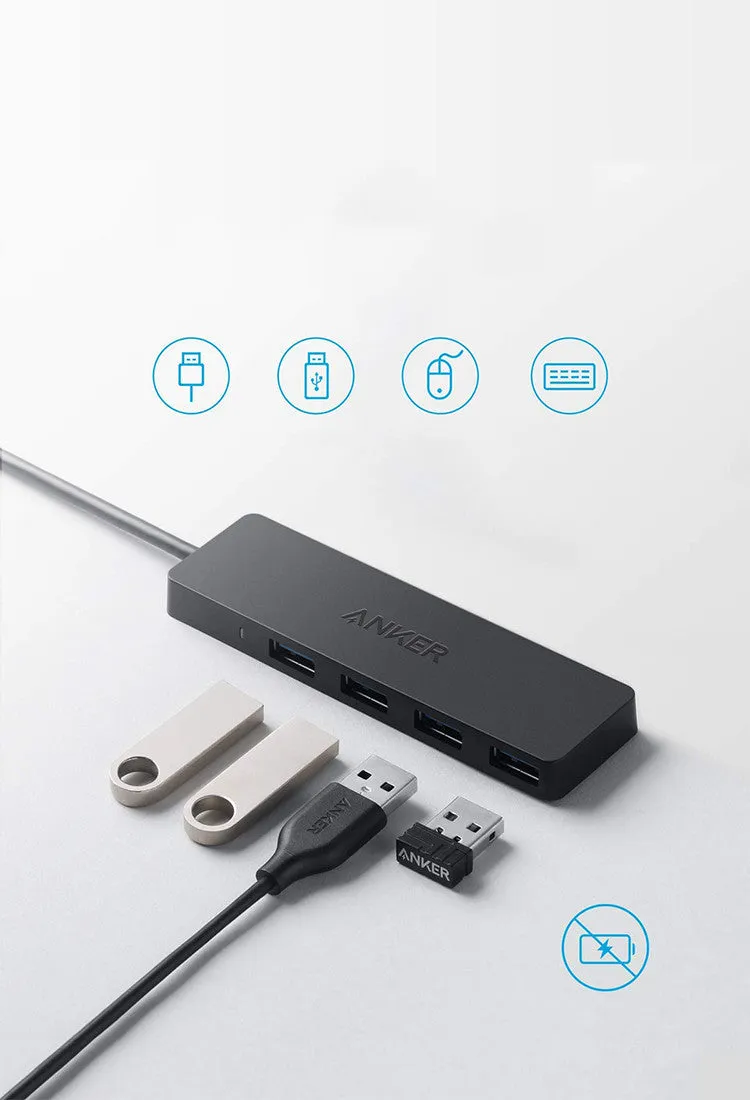
The hub's utility is defined by the scenarios where multiple USB devices are needed simultaneously. Its design supports both organised stationary setups and more mobile, on-the-go usage patterns.
Event or Professional Use
In professional or event settings, this hub can serve as a simple connectivity station. For example, during a conference presentation, a speaker could have a slide advancer, a wireless microphone receiver, and a backup presentation on a USB drive all connected via the hub to a single laptop port, facilitating a quick and tidy setup. IT support personnel might use it to run multiple diagnostic tools or drives from one machine. The high-speed USB 3.0 capability is relevant here for quickly loading large presentation files or transferring event footage to a backup drive without significant waiting time.
Everyday Home Use
For everyday home or office computing, the hub restores connectivity to laptops that lack sufficient ports. A common setup might involve a wireless keyboard and mouse receiver, an external webcam for video calls, and an occasional connection for a smartphone cable or card reader. The hub sits unobtrusively on a desk, centralising these connections. It is particularly useful for users with docking stations that have limited USB ports or for cleaning up cable clutter by reducing the number of items that need to be plugged directly into the often hard-to-reach ports on the laptop itself.
Benefits and Buying Value
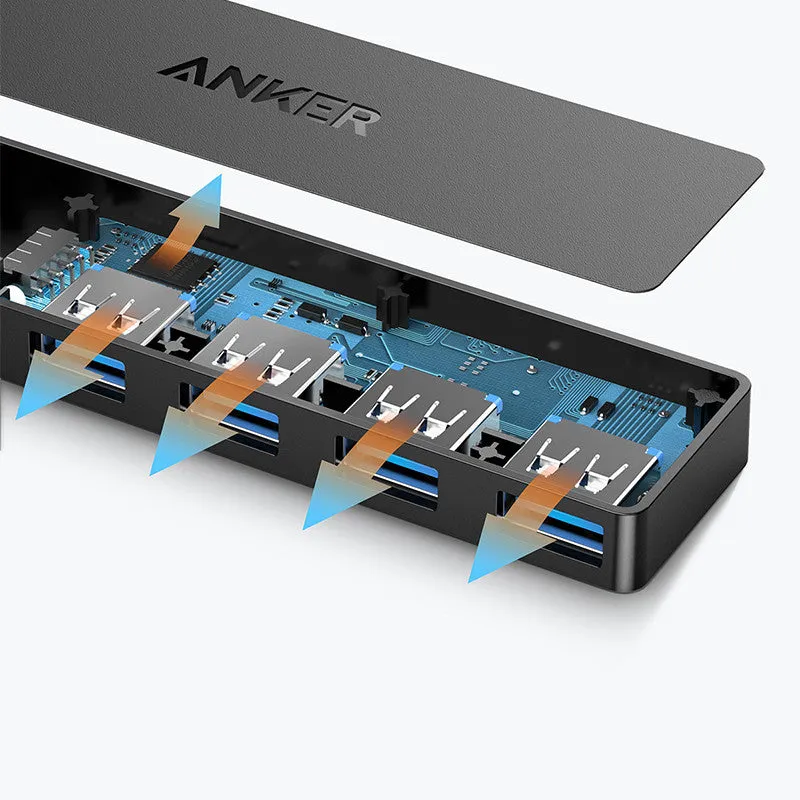
The value of this product lies in its straightforward functionality and the practical problems it solves, based on its documented specifications.
Reuse and Low Maintenance
As a passive device with no moving parts and a simple design, the hub has the potential for long-term use across multiple computers and upgrades. It is not tied to a specific laptop model or operating system, as USB 3.0 is a universal standard. Maintenance is virtually non-existent; there is no software to install or drivers to update for basic functionality. Care involves simply keeping the ports free of dust and avoiding physical damage to the cable or housing. This simplicity translates to reliable service over time without additional cost or effort.
Why Choose This Product
Choosing this specific Anker hub is supported by its concrete specifications: the provision of four USB 3.0 ports, its compact 30x107 mm size, and the integrated 200 mm cable. Compared to generic or unspecified alternatives, these details allow for an informed decision based on physical fit and connection needs. The defined cable length and dimensions tell you exactly how it will fit into your workspace. The brand mention (Anker) may imply a certain level of known reliability in the power accessory market, but the primary buying reason should be the match between its stated specs—four ports, USB 3.0 speed, specific size—and your requirement for a simple, multi-port expansion solution.


