
HDMI to VGA adapter converter for connecting HDMI output sources like laptops, PCs and DVD players to VGA input monitors, projectors or displays with a single-cable solution in black or white colour options.


HDMI to VGA adapter converter for connecting HDMI output sources like laptops, PCs and DVD players to VGA input monitors, projectors or displays with a single-cable solution in black or white colour options.
HDMI to VGA Adapter for Connecting Modern Devices to Legacy VGA Displays and Projectors
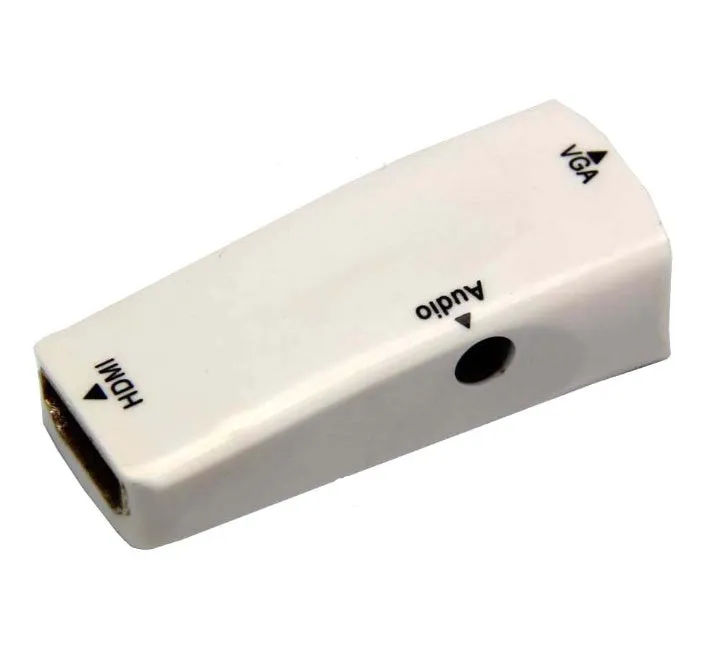
This HDMI to VGA adapter serves as a practical bridge between contemporary digital HDMI sources and analogue VGA display equipment that remains in widespread use. Many offices, educational institutions, and home users still utilise VGA-input monitors, projectors, and televisions alongside newer laptops, desktop computers, and media devices featuring HDMI outputs. This compact converter addresses this compatibility gap without requiring complex setup or additional power sources, providing a straightforward solution for presentations, extended desktop configurations, or basic media playback scenarios where display standards differ between source and output devices.
Features and Construction
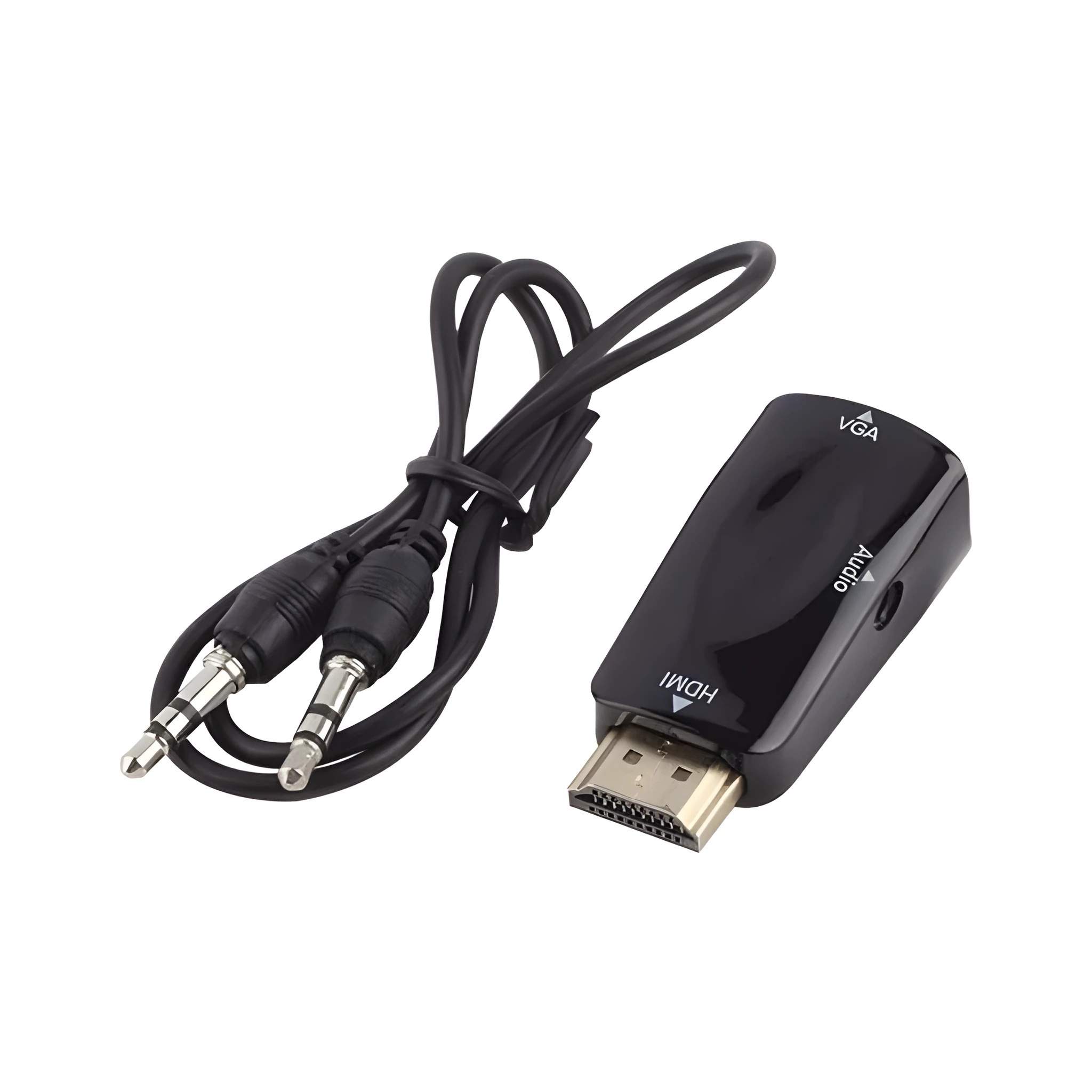
The adapter's design focuses on simplicity and physical compatibility with standard port layouts. Its construction prioritises reliable signal conversion in a form factor that won't interfere with adjacent connections on your devices.
Material and Build
The adapter housing is constructed from durable plastic that provides protection for the internal conversion circuitry while maintaining a lightweight profile. The HDMI and VGA connectors feature metal shielding and contacts designed for repeated insertion and removal cycles typical in office, classroom, or home entertainment environments. The build quality supports the adapter's primary function as a passive signal converter between digital HDMI sources and analogue VGA displays without requiring external power or complicated driver installation.
Size and Practical Fit
With dimensions of 48mm in length, 23.3mm in width, and 15.4mm in height, this adapter maintains a compact footprint that minimises obstruction of nearby ports on your devices. This practical sizing ensures it can be used even on laptops or media players with closely spaced connectivity options without blocking adjacent USB, audio, or other video ports. The adapter's proportions are designed to provide sufficient internal space for the conversion circuitry while remaining unobtrusive in both permanent and temporary installation scenarios.
Uses and Placement
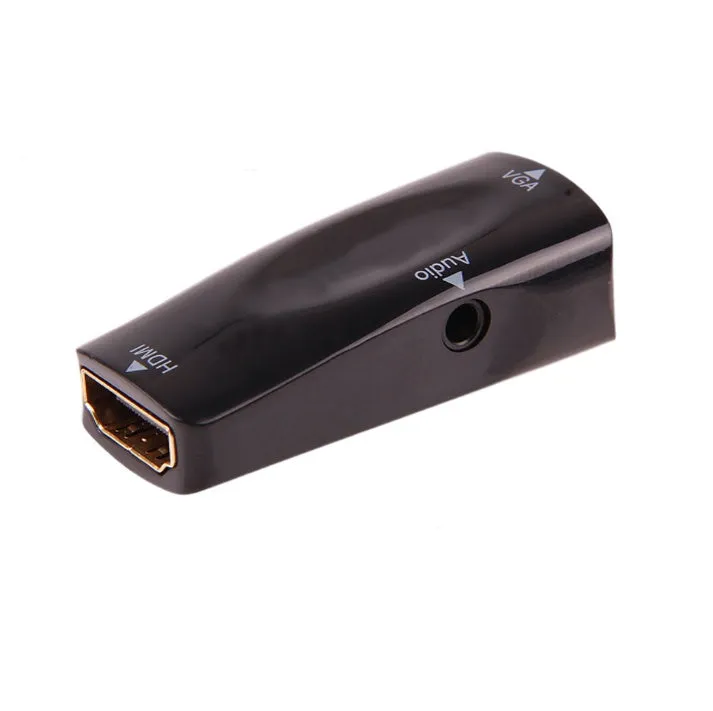
The adapter's compatibility profile makes it suitable for various environments where display technology standards mismatch between source and output devices. It serves as a practical tool for both professional and personal technology integration scenarios.
Event or Professional Use
In conference rooms, classrooms, or presentation venues, this adapter enables speakers to connect modern laptops with HDMI outputs to legacy VGA projectors or large format displays still common in many institutional settings. Business travellers can use it to ensure compatibility with presentation equipment in client offices or hotel conference facilities that may not have been upgraded to HDMI connectivity. The adapter's compact size makes it easy to transport alongside laptops and presentation materials without adding significant bulk to carrying cases or equipment bags.
Everyday Home Use
At home, the adapter allows users to connect newer gaming consoles, streaming devices, or computers with HDMI outputs to older computer monitors or televisions that only accept VGA input. This extends the useful life of existing display equipment rather than requiring complete system upgrades. Home office workers can use it to add a second monitor to their workstation by repurposing an older VGA monitor alongside their primary HDMI display, creating more screen real estate for multitasking without significant additional investment in new equipment.
Benefits and Buying Value
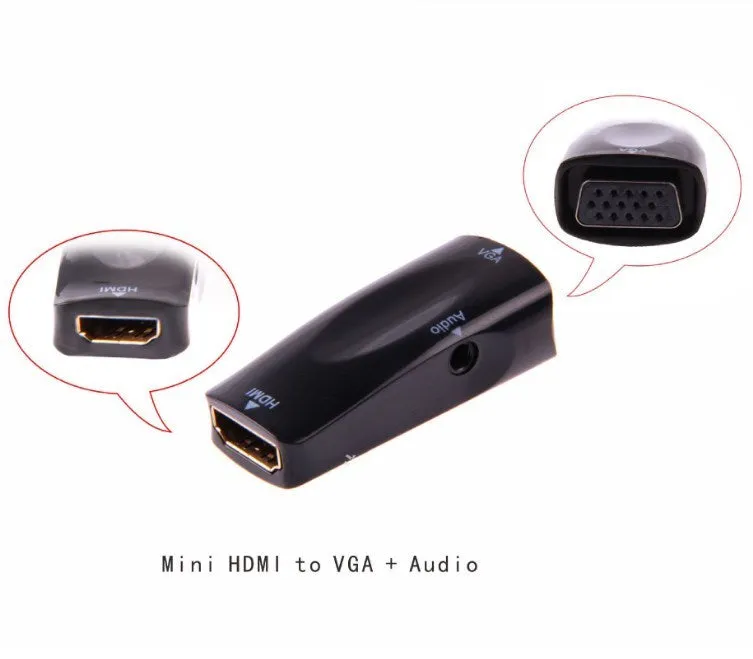
The adapter provides practical advantages through compatibility bridging and physical design considerations that support reliable operation in various usage scenarios without complex setup requirements.
Reuse and Low Maintenance
By enabling connection between HDMI-equipped devices and VGA displays, this adapter supports the continued use of existing monitor and projector investments that might otherwise become obsolete as technology standards evolve. The passive design requires no software drivers, external power supplies, or regular firmware updates, reducing long-term maintenance considerations compared to more complex active converters. The durable construction materials support repeated connection cycles typical in shared office or educational environments where equipment is frequently reconfigured between different users and setups.
Why Choose This Product
This HDMI to VGA adapter offers a straightforward solution to a specific compatibility problem between digital and analogue video standards. Its compact dimensions ensure it won't obstruct adjacent ports on your devices, while the availability in both black and white colour options allows matching with various equipment aesthetics. The adapter provides reliable signal conversion without requiring technical expertise or additional components, making it accessible for users who need to connect modern sources to legacy displays for presentations, extended desktop configurations, or basic media playback scenarios where equipment generations differ.