
Smart Voice Mouse 2.4G Rechargeable Wireless Translator Computer Cordless Mice with 15 Metre Range and Voice Control - Blue A12 Model, OEM Processing
Blue
£38.98
Skip to product information

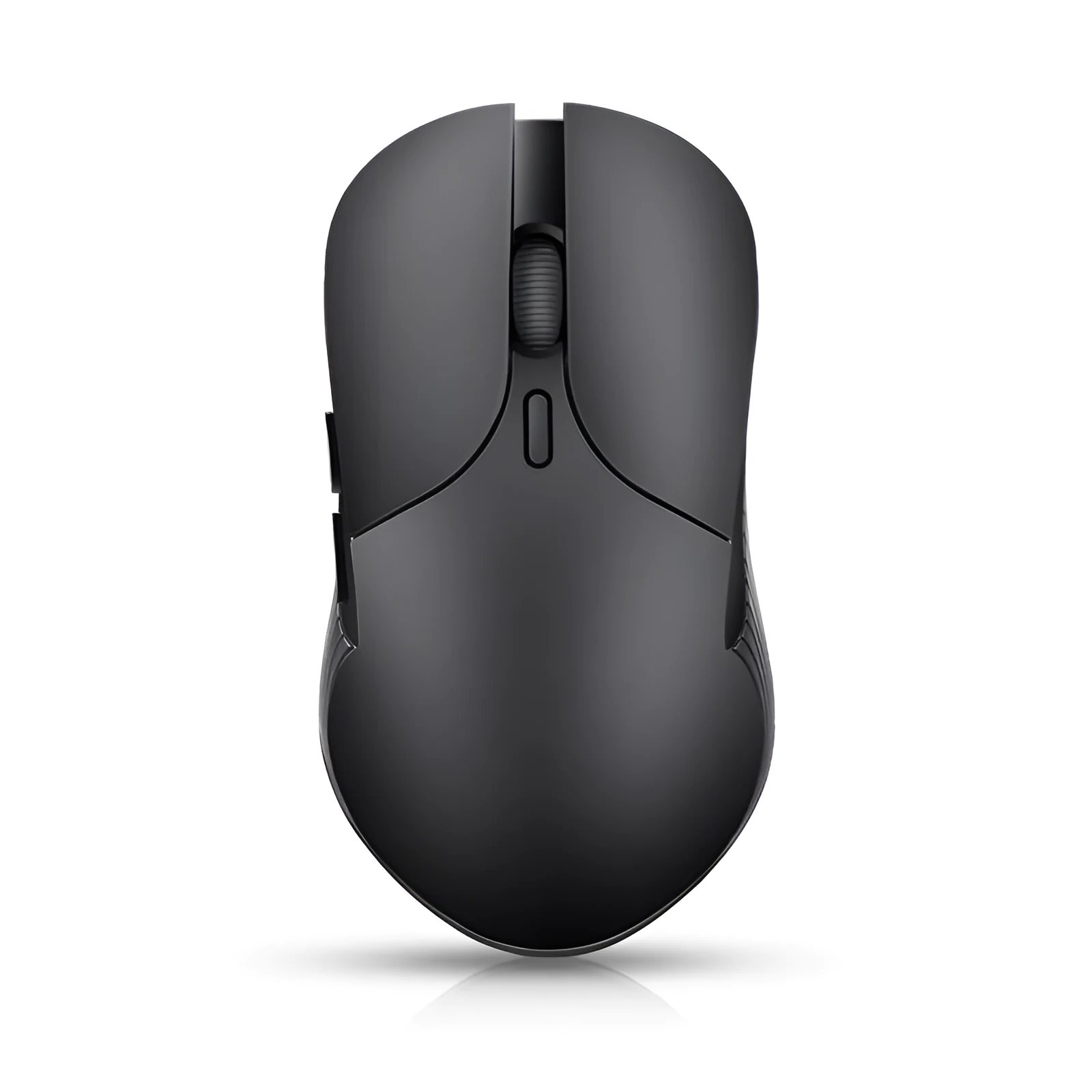 Intro paragraph: The A12 model Smart Voice Mouse merges standard computer cursor control with instant voice-activated translation in a single, cordless device. Designed for users who frequently work with multiple languages, this mouse eliminates the clutter and workflow interruption of separate peripherals. Its core functionality is built around a stable 2.4G wireless connection that maintains operation up to 15 metres from the receiver, paired with a rechargeable power source for continuous use. With support for OEM customisation and a compact form factor, it serves both individual users seeking efficiency and organisations looking for branded tech solutions.
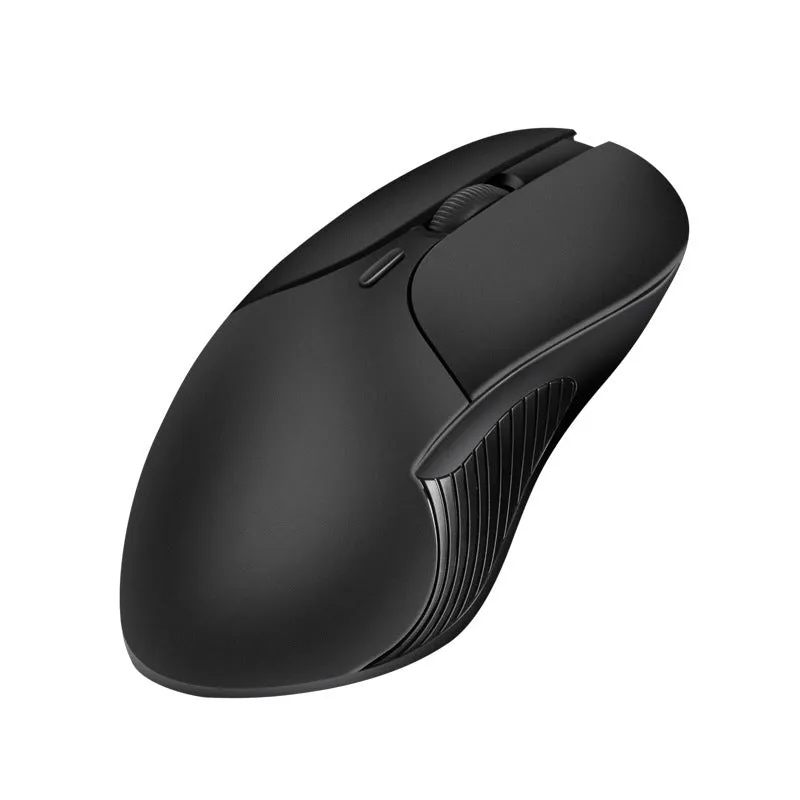 Section intro: The mouse's design prioritises dual functionality and practical usability. Its build incorporates the translation feature directly into a familiar mouse form, controlled via a dedicated button.
 Section intro: This product is designed for scenarios where computing and cross-language communication intersect, fitting into both professional and personal environments.
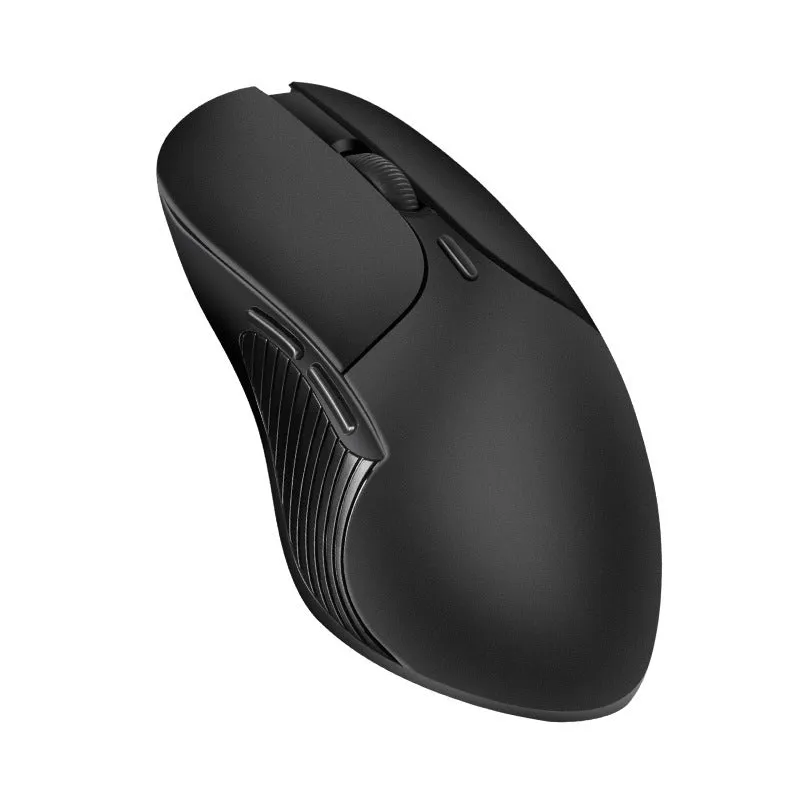



Smart Voice Mouse 2.4G Rechargeable Wireless Translator Computer Cordless Mice with 15 Metre Range and Voice Control - Blue A12 Model, OEM Processing
£38.98
Smart Voice Mouse with Integrated Translation and 15-Metre 2.4G Wireless Range
Features and Construction
Material and Build
The housing is manufactured from a combination of ABS and PC plastics, chosen for their balance of sturdiness and light weight. This material selection results in a total product weight of 0.3 kg, making it easy to move and comfortable for extended periods of use. The construction is geared towards daily desktop operation, providing a reliable shell for the internal translation and wireless components without adding unnecessary bulk.Size and Practical Fit
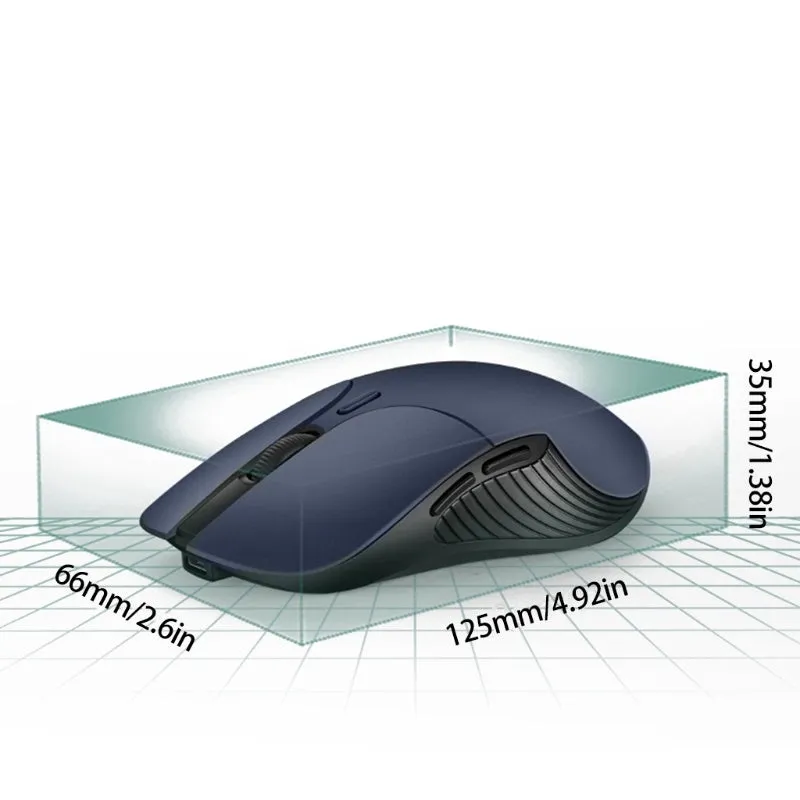
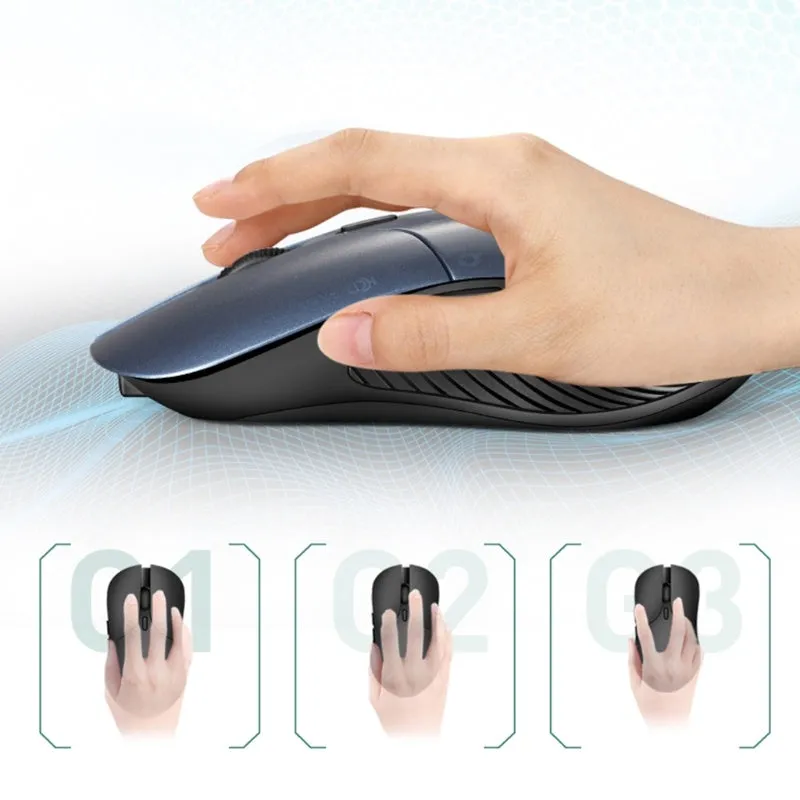
With dimensions of 66mm in width, 125mm in length, and 35mm in height, the mouse offers a compact footprint suitable for most desk spaces and laptop bags. This size makes it a practical choice for users with limited workspace or those who need a portable peripheral for use with different computers. The proportions are designed to accommodate standard hand sizes while integrating the necessary electronics for its dual functions.Uses and Placement
Event or Professional Use
Everyday Home UseBenefits and Buying Value Section intro: The primary value lies in consolidating two tools into one reliable peripheral, reducing desk clutter and simplifying multilingual computer tasks.Reuse and Low Maintenance
Why Choose This Product</h3 The decision for this mouse centres on its specific combination of wireless computer control and instant translation. Compared to using a standard mouse alongside a phone app or separate translator, it streamlines the physical workflow. The concrete 15-metre wireless range and compact size offer practical advantages for flexible workspace arrangements. For businesses, the OEM and logo printing option provides added value for creating cohesive, branded toolkits for staff or clients.